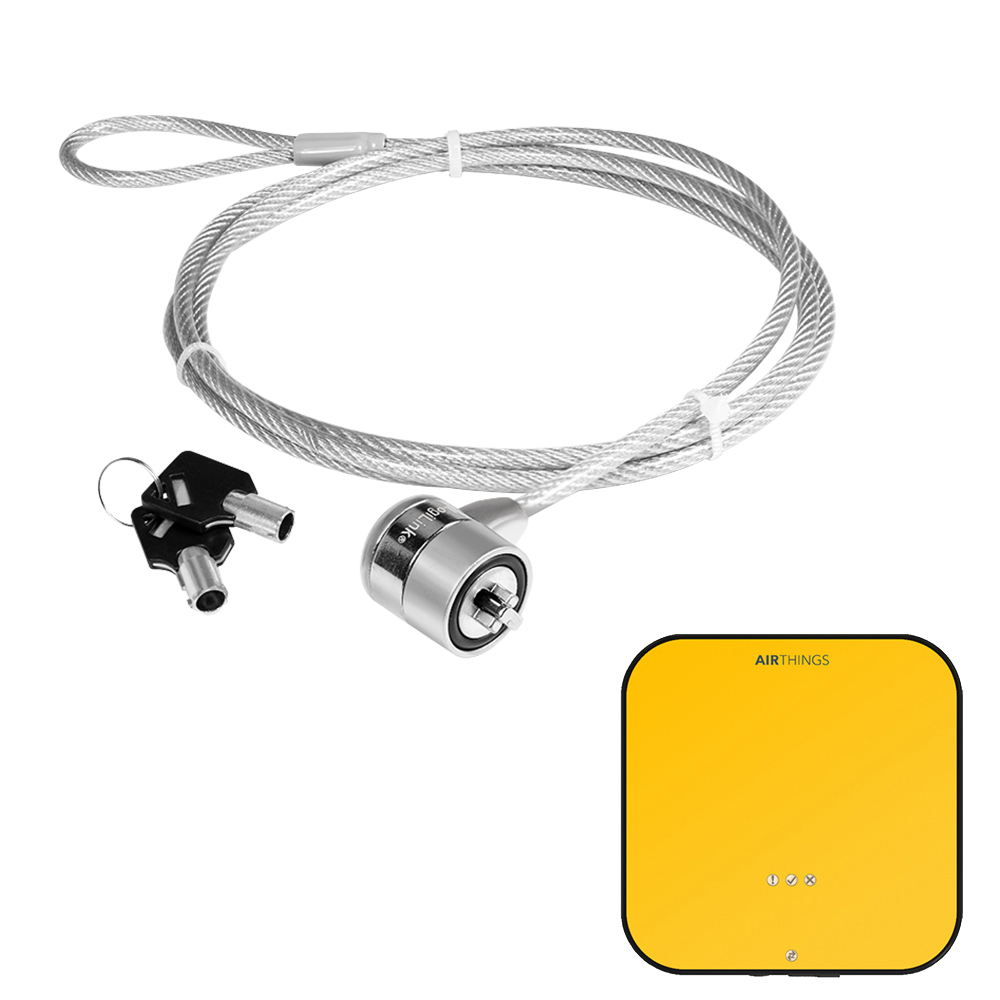
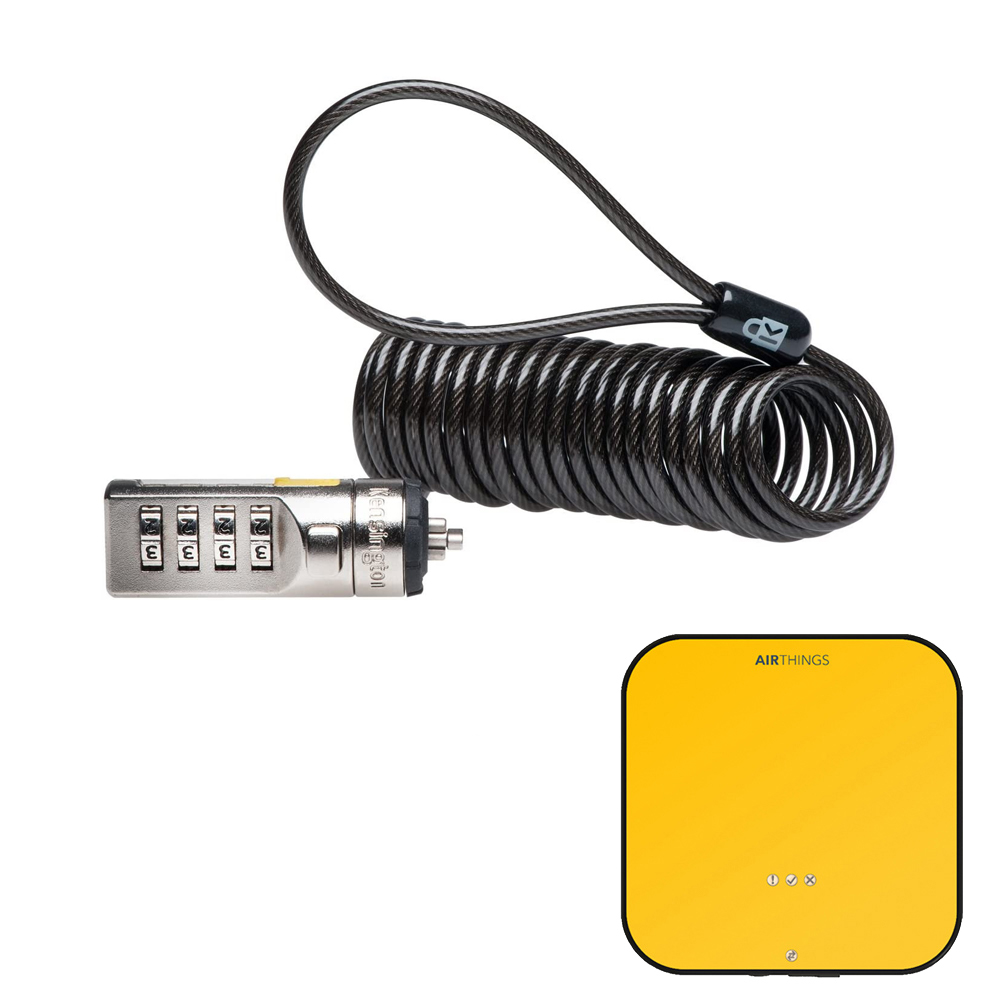
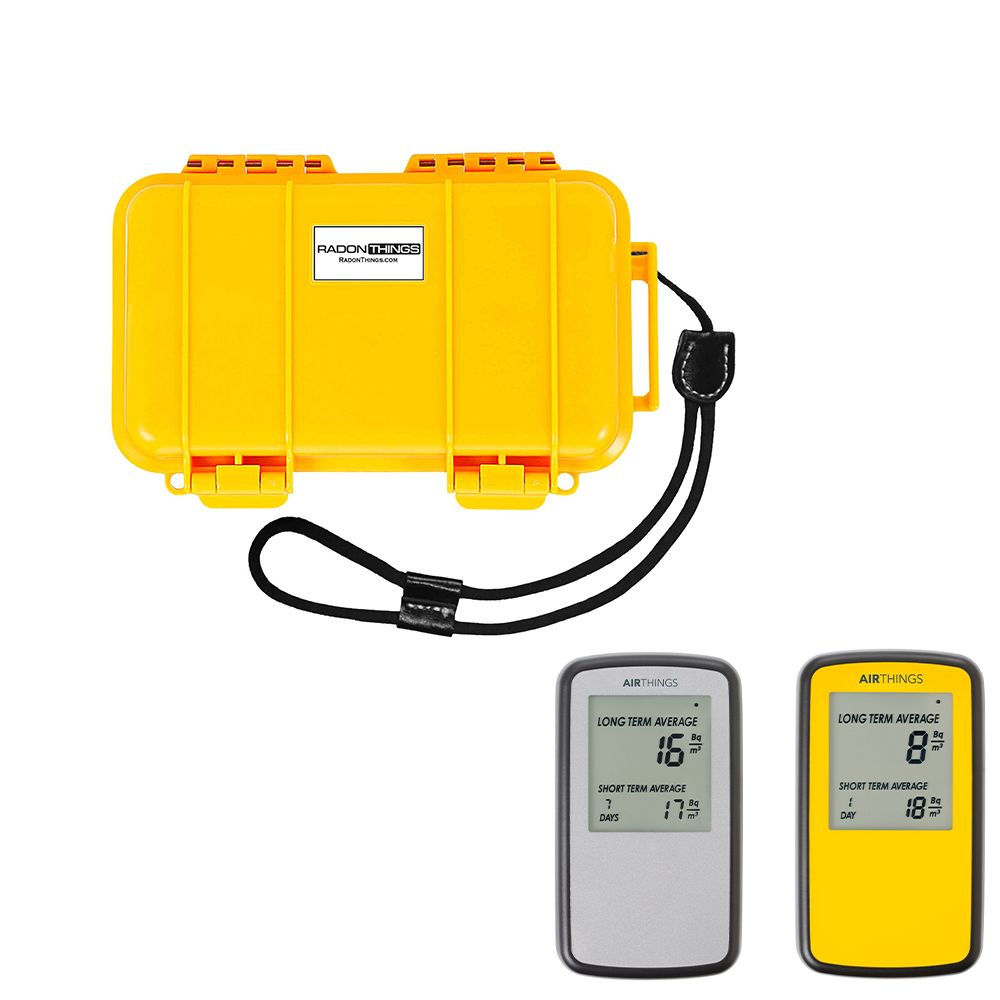
Security lock with combination, compatible with Corentium Pro
$16.97
$29.01
DescriptionHeavy Duty Security Cable with 4-Dial Combination Lock Reset Combination: 1. The pre-set combination is 0-0-0-0. 2. In order to set your own combination, hold the lock and using a small flat-head screwdriver or similar object, push-in (B) and rotate the reset screw 90º clockwise so that the screw’s groove appears horizontal, then reset your own new combination. 3. Then rotate the reset screw 90º counterclockwise back to its original vertical position to save the new combination. 4. Record the combination in either the space provided at the end of this guide or another secure, easy-to-find place. Testing the Combination: Before attaching the lock to your Corentium Pro. 1. Turn the dials to disguise the combination. 2. Return to the combination you set. 3. Check that the locking button depresses completely. STEP 1: Loop the cable around a secure object. STEP 2: Insert the lock into the Corentium Pro slot then rotate (clockwise) the lock to 90º. Release button (A) and mix number combination. STEP 3: To open the lock, please use your own combination and press button (A) then rotate (anti-clockwise) the lock to 90º to open the lock.